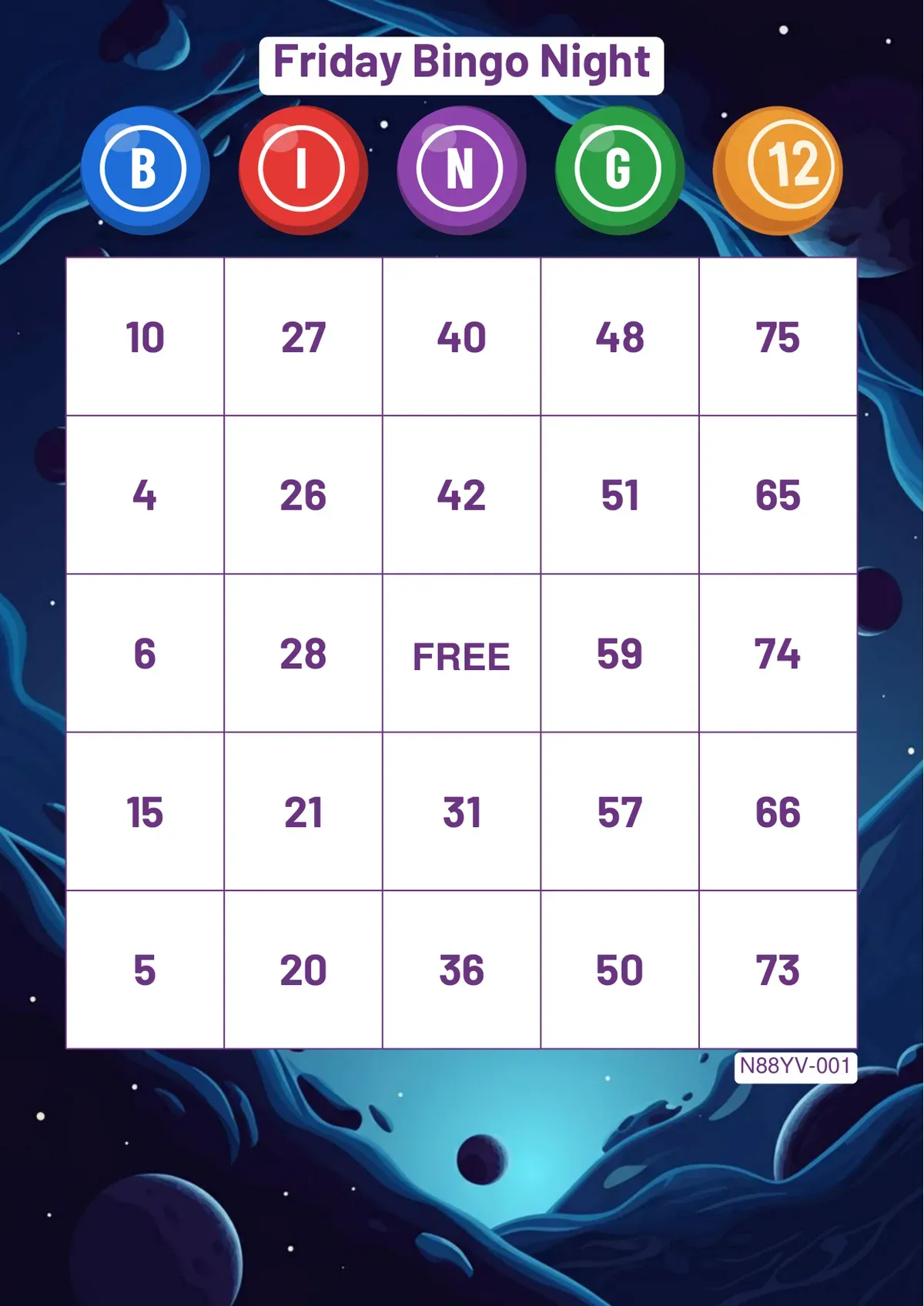
The bingo card generator has grown a lot this autumn. You can now give your cards a real title, pick your own colours and fonts, use your own photo as the background, and print word bingo in many more languages. Every one of these options is free.
Basic and Advanced settings
The settings are split into two tabs. Basic settings hold what most people need: the game type, the background, your logo, the layout and the number of cards. Advanced settings hold everything for a more designed card: the title, colours, fonts, the grid and the card numbers. The defaults print a good card on their own, so you can skip Advanced entirely.
Your own background image
The background now has three tabs: Ready-made designs, Create with AI ✨, where you describe a theme and the AI draws it, and Your own image. Upload a PNG, JPG or WebP photo, such as a team photo, a venue or your own artwork, and it covers the whole page, cropped to A4 around its centre.
With a busy photo, use Grid Size and Position in Advanced settings to shrink the grid and move it up, down or sideways, so the important part of the picture stays visible (75-ball and word cards).
An event title and new BINGO titles
- Event Title: a line above the BINGO title, such as "Friday Bingo Night" or a company name, in four sizes, three fonts and your own colour, with an optional white band behind it for busy backgrounds.
- BINGO Title Style: Classic letters, Paper tiles, Bingo balls or Stickers, or no title at all. You can also use a bingo ball as the O.
The event title is for 75-ball and word cards; 90-ball tickets fill the page and keep their own layout.
Your colours and fonts
- Colour of the Grid and Numbers: seven ready colours or any colour of your own, so the cards match your brand or the theme of the night.
- Number Font: Classic, Bold or Condensed. The bold numbers are easier to read for seniors and small children, also on 90-ball tickets.
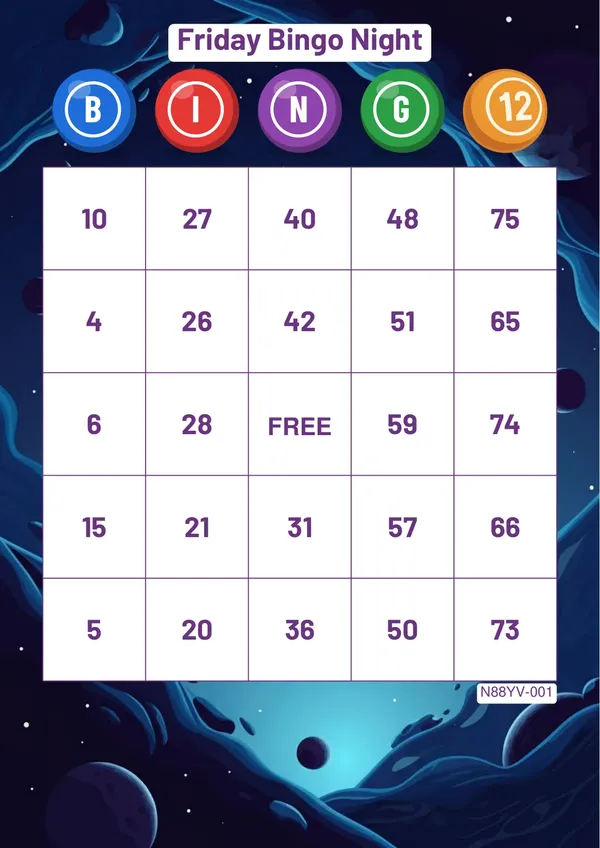 An event title on a white band, the Bingo balls title style, purple ink, bold numbers and the check code.
Word bingo in many more languages
Word bingo cards now print correctly in Cyrillic, Greek, Arabic and Hebrew (right to left), Hindi, Chinese, Japanese and Korean, alongside the Latin alphabets: every language this site is available in. Earlier, letters outside Western European languages could print as empty boxes; now your word list prints exactly as you typed it.
A check code on every card
Card numbers with check codes are on by default. Each card has a short code at the bottom; on the night, press "Check a card" on the free bingo machine and type the code, and the card appears with the numbers called so far marked and its complete lines counted. It also works offline once the bingo machine is open.
Free, as before
All of the options above are free; the AI background includes three free tries, and more can be bought. Free PDFs carry a small bingosheets.net line under the grid and hold up to 240 cards each, and you can make as many as you like. Removing the watermark is the other paid option, for up to 960 cards in one PDF.