The Complete Guide to Using Bingo in the Classroom

Gamification—the use of game elements in non-game contexts—is a powerful tool for educators. It boosts engagement, lowers anxiety, and makes learning stick. One of the most versatile and accessible tools for gamification is Bingo.

Whether you are teaching number recognition to preschoolers or reviewing complex history facts with high schoolers, bingo can transform your classroom.

Bingo for Early Childhood Learning

For young learners, abstract concepts like numbers can be hard to grasp. Bingo makes them tangible and fun.

Cognitive Benefits

  • Number Recognition: Hearing "B-12" and finding it creates a strong auditory-visual connection.
  • Executive Function: Holding a number in working memory while scanning the card trains focus and attention.
  • Structure: The column structure (B=1-15, I=16-30) implicitly teaches number order and place value.

Tip: Use small, immediate rewards like stickers or being the "line leader" to keep motivation high.


## Gamifying Math Learning: The Ultimate Math Bingo Guide

One of the most effective ways to use bingo in the classroom is for mathematics. By turning drills into a game, you can reduce "math anxiety" and make practice exciting. Here are two innovative ways to play, tailored for different grade levels.

### Level 1: Elementary Math (The "Answer Hunt") Best for: Grades 1-5 (Addition, Subtraction, Multiplication Tables)

In this version, the students have the answers on their cards (standard numbers), and you provide the questions.

How to Play: 1. Setup: Generate standard 75-ball bingo cards for your class using our Generator. 2. The Caller: Use our Virtual Bingo Caller on your projector. 3. The Twist: When the machine picks a number (e.g., "12"), do not say "12". Instead, quickly create a simple equation on the board or verbally: * "What is 7 + 5?" * "What is 4 x 3?" * "What is 14 - 2?" 4. The Action: Students must mentally solve the equation to find the answer ("12") and mark it on their grid.

This method is fantastic because it keeps the game fast-paced. The Virtual Bingo Caller ensures random selection and tracks called numbers for you, so you can focus on creating fun equations.

### Level 2: Advanced Math (The "Equation Hunt") Best for: Middle School & High School (Algebra, Geometry, Complex Arithmetic)

For older students, flip the script! Put the equations on the cards and call out the answers. This forces students to "counter-calculate" and check multiple possibilities on their grid.

How to Play: 1. Setup: Use our Custom Word / Phrase Generator (select "Word Bingo"). 2. Create the Grid: Instead of words, type in equations or expressions: * 2x + 4 = 10 * √144 * * y = mx + b 3. The Game: You call out an answer (e.g., "3", "12", "25", "Linear Equation"). 4. The Action: Students scan their cards to find the equation that matches your answer.

Why this is innovative math teaching: It requires deeper critical thinking. If you call out "12", a student might have to recognize that both "√144" and "6 x 2" on their card are valid matches.

### Prize Ideas for Math Games * Sweet Treats: A small piece of candy for the first to get a row. * Homework Pass: The ultimate prize for older students! * Math Tools: Cool geometric erasers or a special pencil.


How to Set Up in Minutes

Teachers are busy. You don't need hours to prep this.

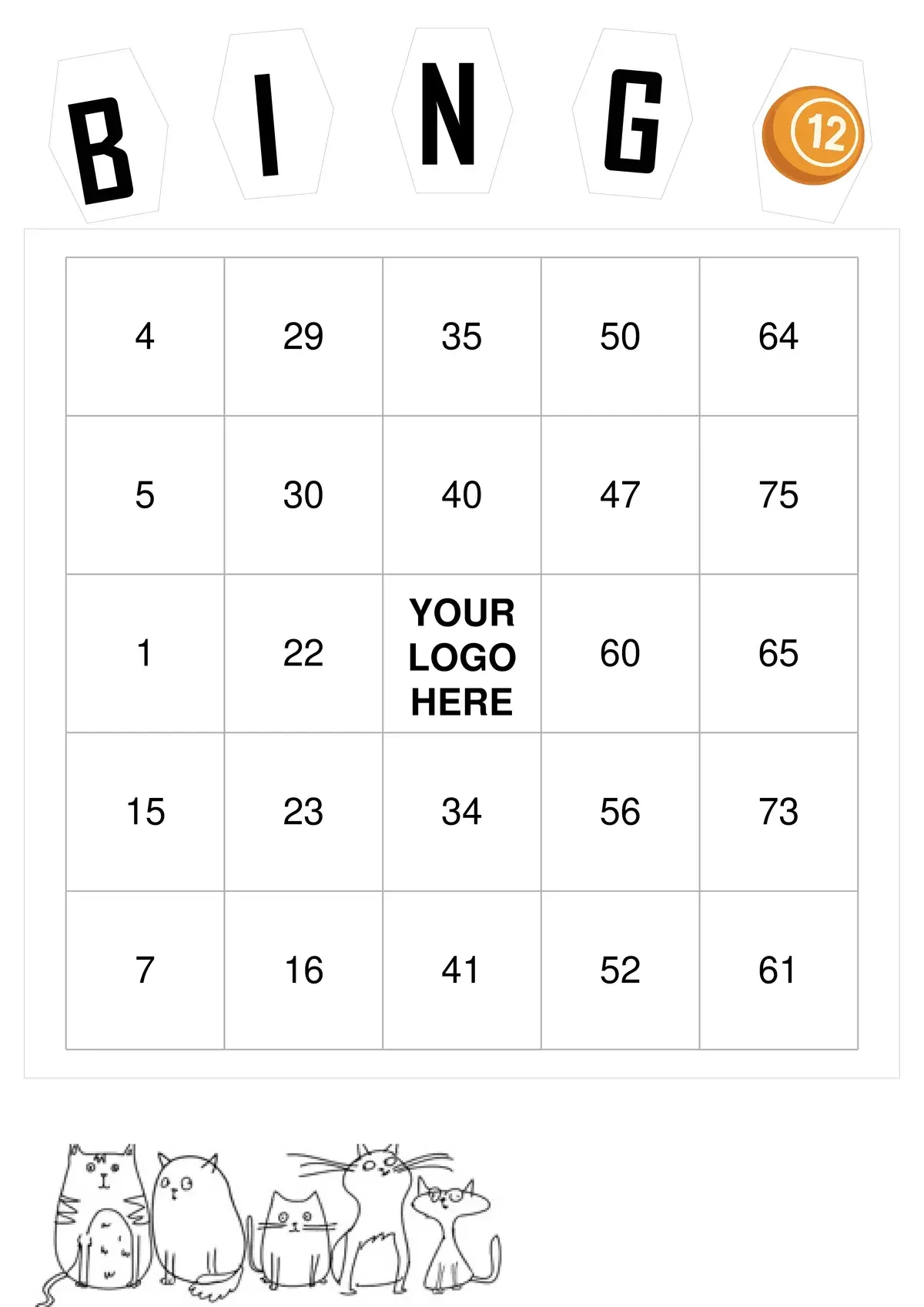
  1. Generate Cards: Visit our Free Bingo Generator. Choose a kid-friendly background like Cats or Space, or keep it simple with Classic White.
  2. Customize: Upload your class photo or school logo to make it special.
  3. Print: Download a PDF with unique cards for every student.
  4. Use the Virtual Caller: Project our Virtual Bingo Machine on the whiteboard. It handles the number calling for you, so you can walk around and help students.

Ready to engage your class? Create your free educational bingo cards now!